How to change billing details
Last updated: January 2, 2026
You can update your billing information through your account settings. Here's how to change your billing details:
Updating Billing Information
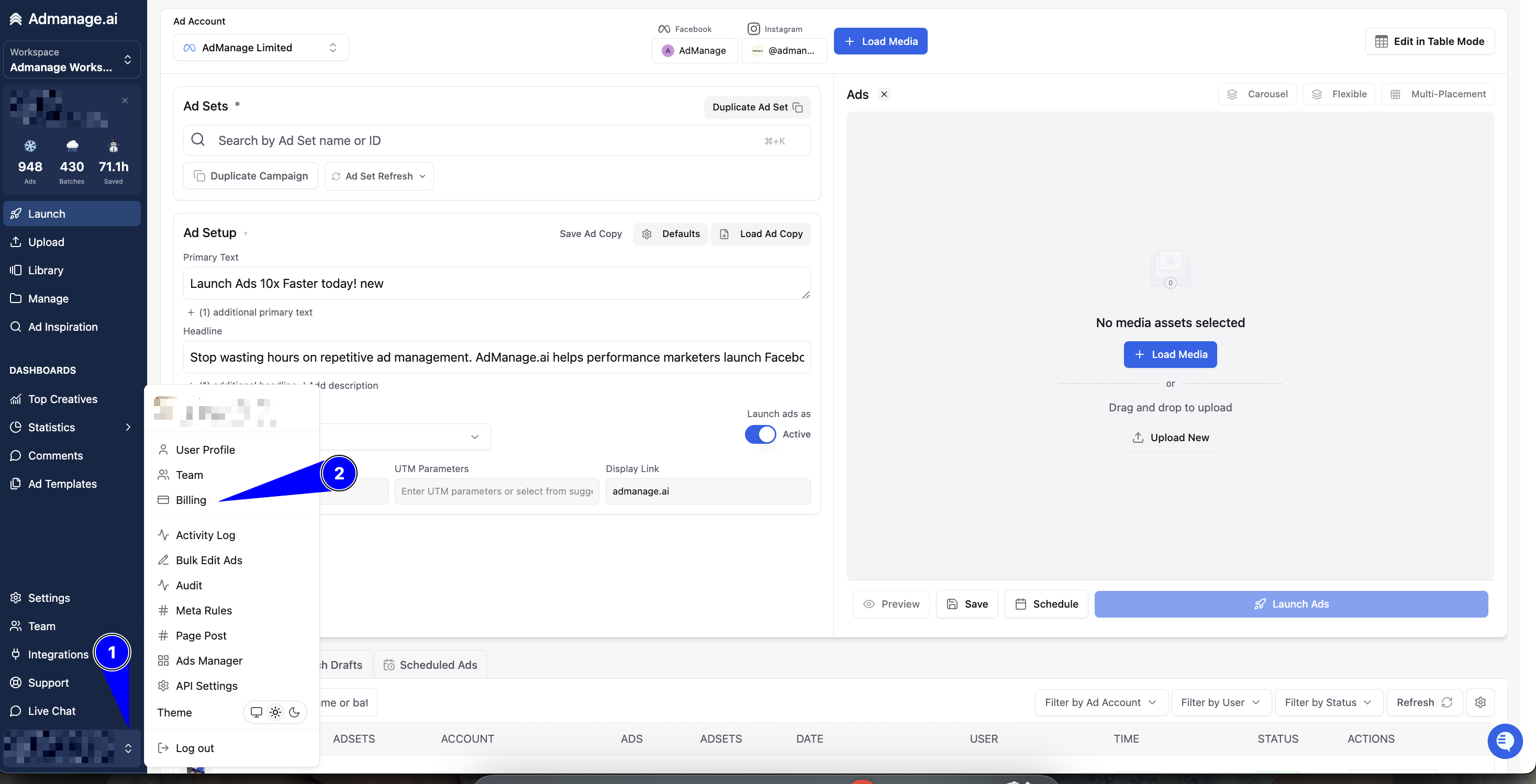
Navigate to your account settings
Look for the billing or payment section
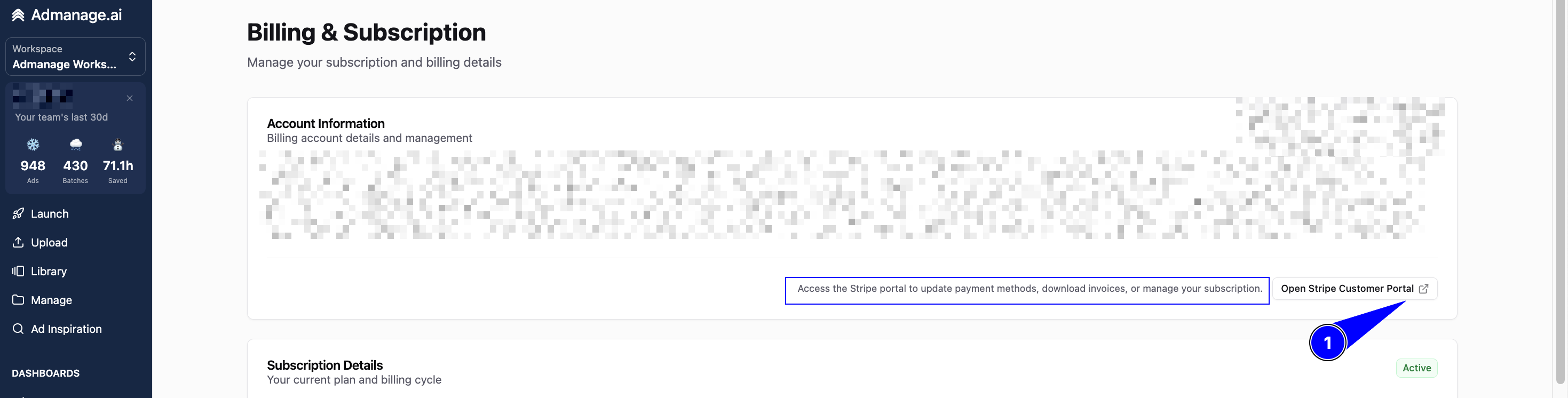
Update the required billing details as needed on your Stripe Portal:
Required Billing Information
Yes, filling in the billing details is necessary for your account. Complete billing information is required to:
Process payments for your subscription
Generate proper invoices
Maintain compliance with billing requirements
Ensure uninterrupted service
Make sure to provide accurate and up-to-date billing information to avoid any service interruptions or payment issues.