How to connect Axon / Applovin To Admanage
Last updated: March 5, 2026
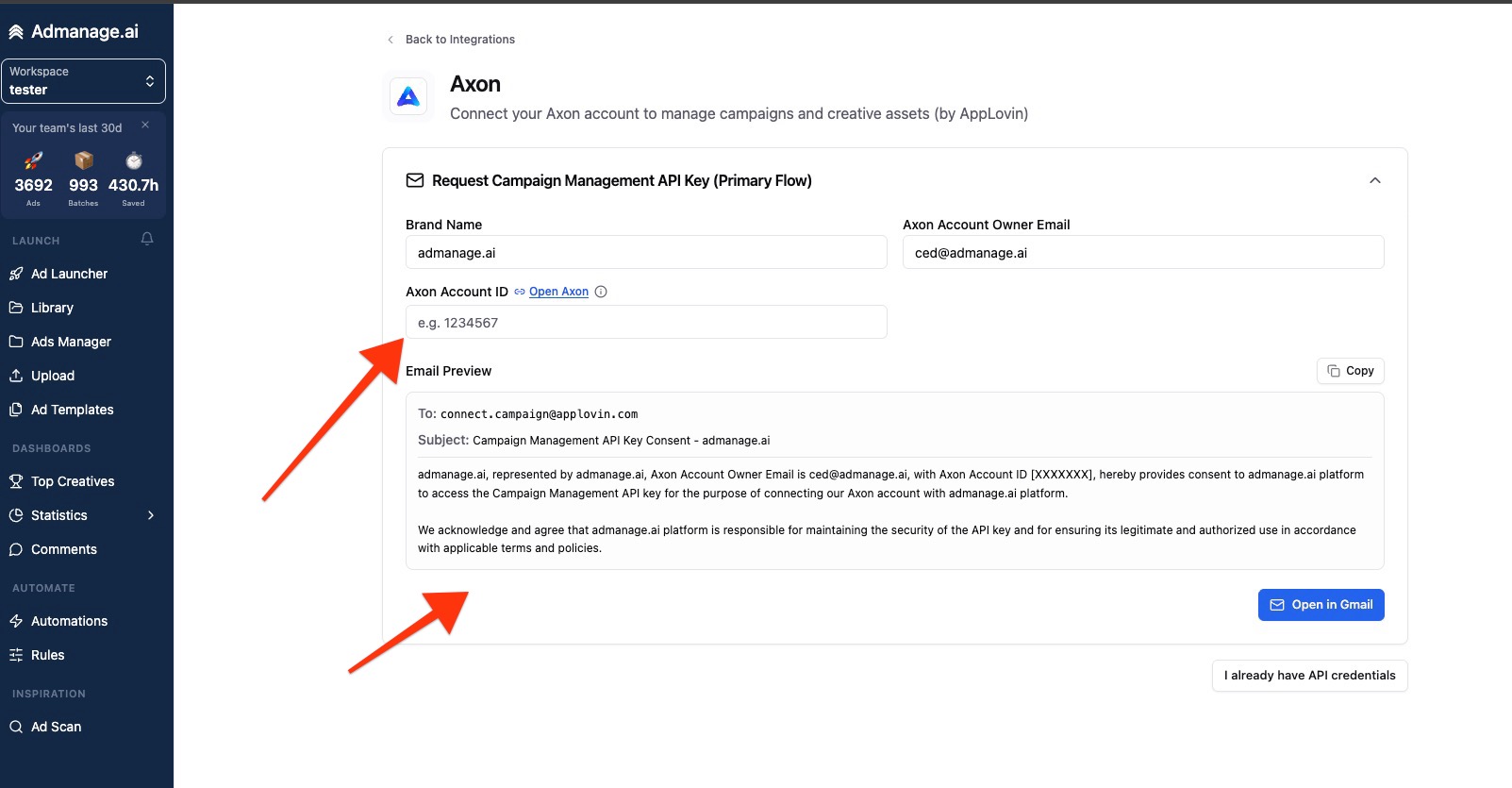
To connect axon you need to send an email for us to get the API to enable bulk launches for you.
https://admanage.ai/integrations/axon
You have to send an email to [email protected] with this subject
Campaign Management API Key Consent
[Your Brand], represented by [Your Brand], Axon Account Owner Email is [Your email], with Axon Account ID [XXXXXXX], hereby provides consent to admanage.ai platform to access the Campaign Management API key for the purpose of connecting our Axon account with admanage.ai platform. We acknowledge and agree that admanage.ai platform is responsible for maintaining the security of the API key and for ensuring its legitimate and authorized use in accordance with applicable terms and policies.
And after you send that email axon will send us the api key and it'll be enabled in your account.
We've added easy copy buttons and you can get your axon account ID by going to the adsmanager for and click on the top right corner to see the IDs.