REST API: getting started
Last updated: October 30, 2026
Create an API key in Connect, then follow the current API reference. Start with account discovery so every later request uses assets available to that key.
How do I create a key?
Open Connect in the intended organization.
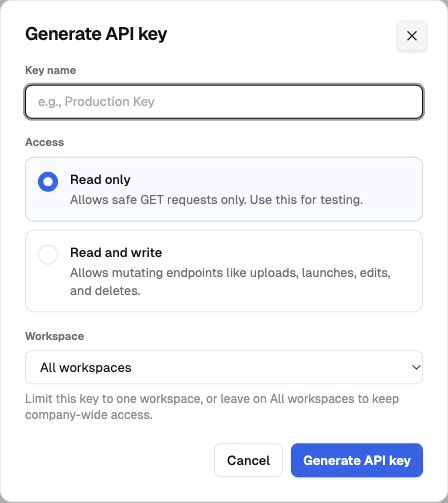
Select Generate API key and enter a Key name.
Choose Read only or Read and write, plus the available workspace scope.
Store the key securely in your application's secret configuration.
A read-only key is suitable for inspection and reporting. Launches and other writes need write access and the relevant role/platform permissions. Do not put a real key in a browser bundle, public spreadsheet, screenshot or support message.
What should I request first?
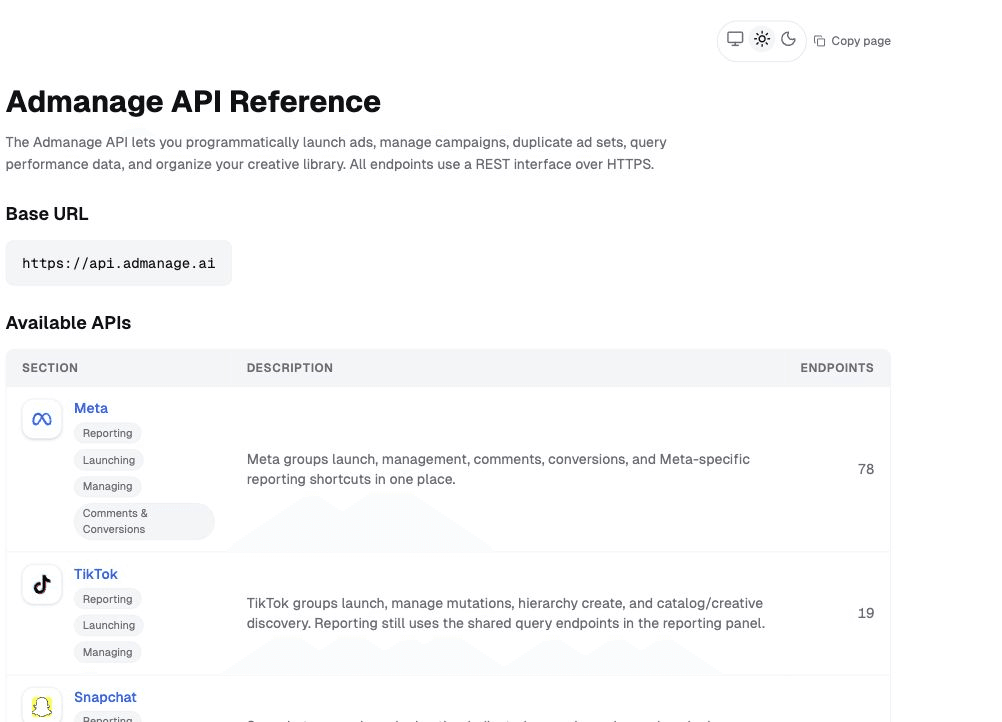
Pass the key as a Bearer token in the Authorization header. Use the API base URL shown in the reference.
Step | Documented endpoint |
|---|---|
Discover connected ad accounts | GET /v1/adaccounts |
Find Meta Page/Instagram identities | GET /v1/profiles with the selected businessId |
Choose destination ad sets | GET /v1/adsets with the selected account |
Inspect saved defaults | GET /v1/launch-defaults |
Prepare a draft | POST /v1/drafts |
Start an async launch | POST /v1/launch |
Inspect its result | GET /v1/batch-status/{id} |
Account discovery is paginated: GET /v1/adaccounts defaults to 25 accounts per page. Follow the returned pagination information, using page and limit (up to 100), before concluding an account is missing. All workspaces still means the workspaces available within the key’s organization.
Use returned IDs and current endpoint examples. An account's ad-set ID is not reusable as a destination in a different account. Ordinary API keys remain scoped to their organization; OAuth MCP organization switching is a separate feature.
How do I upload media and construct a launch?
Follow the media upload or upload-from-URL recipe in the reference, then use the returned asset URL/identifier in the platform's launch shape. The source must allow the service to download the original file.
Review the platform, account, ad sets, identity, ad type, copy, links and paused/active status explicitly. An accepted asynchronous response means processing started; poll the returned batch to its final result.
What about errors and rate limits?
Follow the endpoint's documented response and retry headers. Authentication, missing permissions, validation failures and platform quotas require different fixes. An operation returning final IDs synchronously should not be polled at an invented status URL.
For writes that support an idempotency key or return a mutation receipt, follow that endpoint's documented retry/polling flow. Avoid blindly resubmitting a timed-out launch, because the first request may have succeeded.
Quick answers
Where do I get a key? Connect → Generate API key.
Is a successful launch response the final result? Poll asynchronous batches to completion.
Can I reuse IDs from another account? Discover the destination's own assets.
Can a read-only key launch ads? No.